
Activating eSIM on your Samsung device gives you instant global data access without swapping SIM cards or relying on Wi-Fi, which makes your trip smoother from takeoff to hotel check-in. You benefit from secure connections and easy plan switching while on the move. Ready to stay online worldwide? Explore flexible Samsung-friendly travel plans and get connected before landing.
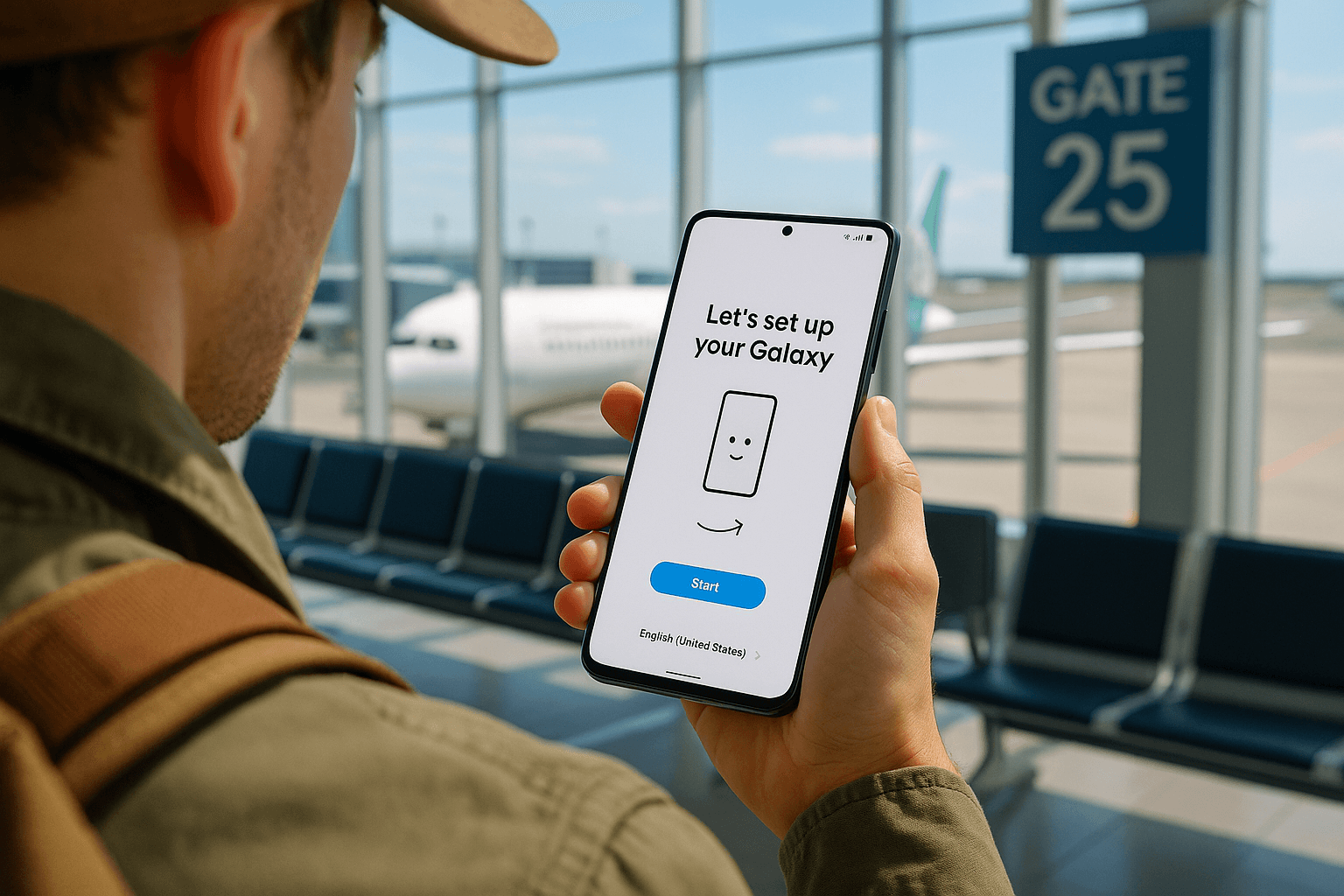
Why eSIM Activation Matters for Samsung Travelers
Samsung phones, especially the newest models like the Galaxy S25 series, make staying connected abroad easier than ever. To make this work, you first need to understand what is an eSIM card and why it matters. It replaces the need to physically install a SIM card, which helps you travel with your Samsung phone without visiting mobile shops or waiting for SIM registration.
When you learn samsung esim activation, you unlock benefits like lower costs, faster setup, secure connections, and simple plan management. This makes the travel experience more efficient whether you explore Europe, Asia, or the Americas.
Samsung users value flexibility. With an eSIM for Samsung phone users, you can activate multiple profiles, switch carriers digitally, and use your number anywhere.
Understanding Samsung eSIM Compatibility
Before you activate your plan, check whether your device supports eSIM. Models such as the Galaxy S25 series and newer Galaxy Z devices feature built-in eSIM support. If you own an older model like the S21 or S22, you likely already have the ability to download and install eSIM profiles.
If you plan to travel internationally, you should avoid depending solely on your carrier’s roaming rates. Many travelers choose an eSIM for Samsung phone use because it allows you to bypass high roaming charges and enjoy unrestricted access to mobile networks abroad.
External tech resources like GSMA detail the growing reach of eSIM capabilities across global smartphone brands. This confirms that the technology continues expanding in support and convenience.
Why You Should Use an eSIM for International Roaming with Samsung
International roaming Samsung choices used to be complicated. You either bought an expensive roaming package from your carrier or searched for prepaid SIM cards abroad. With eSIM, the process becomes easier and cheaper.
Benefits include:
- Instant signup and device activation
- Lower fees compared to conventional roaming
- Easy switching between data plans
- Secure data service without risky public Wi-Fi
Samsung’s software interface simplifies managing your eSIM setup. You can control network priority, deactivate profiles, and rename lines conveniently.
Many digital nomads and creators rave about how freeing it feels to travel with Samsung phone plans updated digitally. They can add a new country profile when crossing borders, which suits remote work and frequent exploration.
Step-by-Step: Samsung eSIM Activation Process
Follow this guide to complete your samsung esim activation smoothly:
- Check phone compatibility
Verify your device supports eSIM and that it’s unlocked for network use.
Device Tip
Most Samsung phones from the Galaxy S20 series onward include eSIM support.
-
Buy an eSIM plan
Choose a data plan based on where you travel. Plans designed for the Galaxy S25 eSIM or earlier Samsung models work the same way. -
Install eSIM profile
Go to Settings > Connections > SIM Manager > Add eSIM. Scan your QR code or follow manual entry instructions. -
Enable roaming and data services
Allow international roaming Samsung phone settings under Mobile Networks. -
Set default data profile
Choose which eSIM profile you use for data while abroad.
Troubleshooting Tip
Restart your device and check network bars if activation seems slow.
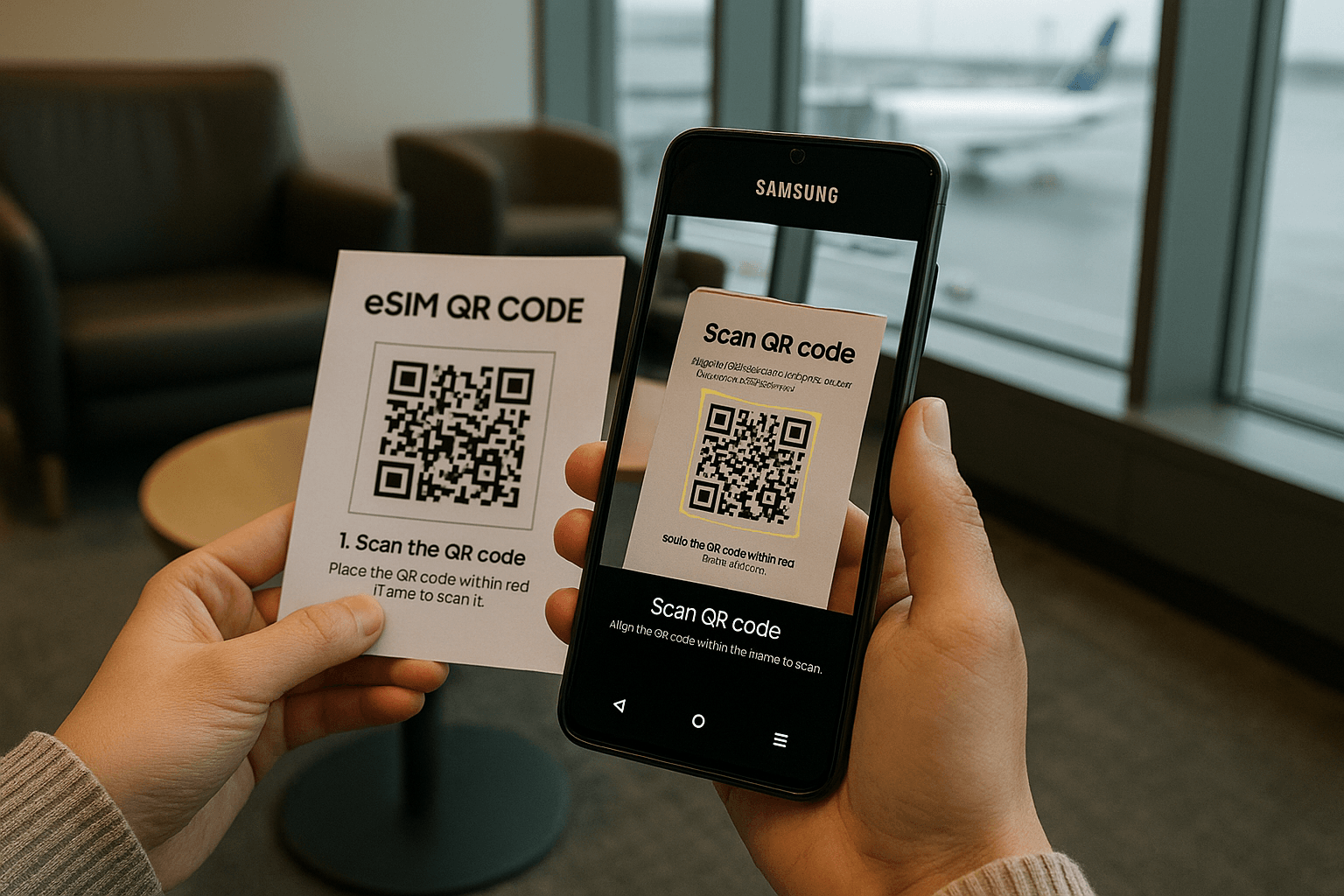
Mid-Trip Uses While You Travel with Samsung Phone
Once activated, you stay connected in real-world moments. Whether you need Google Maps for navigation, messaging family, or uploading content, you enjoy independent connectivity. Want a practical way to skip kiosk queues? Choose a Yoho Mobile eSIM plan designed for Samsung devices and enjoy stable roaming in minutes.
Samsung’s Smart Switching tools help you change preferred networks when you move between borders. This is especially useful when you carry Galaxy S25 eSIM support or similar newer models with dual eSIM profiles.
Samsung Software Tools for Managing Travel eSIM Profiles
With Samsung phones, you get smart settings such as:
- SIM Manager for organizing lines
- Preferred eSIM settings for data
- Roaming toggle for international use
You can rename data profiles like “EU Trip” or “Asia Pass.” When you travel with Samsung phone devices, profile management becomes easier than swapping tiny SIM cards in your hotel room.
Cost-Saving Advantages of Samsung eSIM Usage
Instead of paying premium carrier rates, you select plans priced fairly for international travelers. Some providers offer region-wide plans across Asia or Europe, saving money for backpackers, business travelers, and digital workers.
This flexibility is a key reason why how to use eSIM on Samsung devices matters to regular travelers. You create an efficient system where you add new countries without repurchasing hardware.
Best Use Cases for Samsung eSIM Users
Using eSIM suits travelers when:
- Crossing multiple borders
- Staying long term abroad
- Keeping separate work and personal lines
- Protecting privacy and maintaining security
Professionals enjoy uninterrupted meetings because they avoid risky café Wi-Fi. Content creators stream and upload faster using reliable travel plans.
How to Manage Multiple eSIMs on Samsung
Samsung’s interface lets you manage multiple active data profiles.
Steps include:
- Opening SIM Manager
- Selecting preferred line for data service
- Keeping backup lines disabled unless needed
You can store several plans thanks to strong Galaxy S25 eSIM capacity and eSIM integration in recent Samsung models.
FAQs About Samsung eSIM Activation
1. What Samsung models support eSIM?
New Galaxy phones from the S20 series onward commonly support digital profiles.
2. Will my eSIM work on Galaxy S25?
Yes, Samsung designed newer phones with built-in eSIM capability.
3. How long does activation take?
Normally, you activate within minutes.
4. Can I keep my home SIM instance?
Yes, you keep your original number active while using an international plan.
5. Do I need Wi-Fi?
Most eSIM downloads start through internet access, so having Wi-Fi helps.
Key Takeaways
Here is what you should remember:
- Samsung esim activation is fast and secure.
- The Galaxy S25 eSIM setup offers top travel convenience.
- Knowing how to use eSIM on Samsung phones saves money abroad.
- eSIM for Samsung phone travelers streamlines network switching.
- International roaming Samsung choices improve with digital tools.
Conclusion
You can activate an eSIM on your Samsung smartphone to gain flexible roaming, reduce costs, and enjoy uninterrupted mobile service abroad. Ready for a smarter way to travel with Samsung phone access everywhere? Find Samsung-ready eSIM travel plans here and land connected for your next trip.