
If you’re heading into Asia’s rainy months, treating every typhoon travel warning as a prompt to review your backup data plan and safety steps can be the difference between a calm delay and a stressful emergency. Typhoons can shut down airports, ferries, and roads across the region in hours, especially in coastal hubs across the Philippines and Vietnam. When you keep your phone online through cancellations and power cuts, you can move before crowds, rebook earlier, and stay in touch with the people who care about you.
The simplest way to do that is to turn your phone into a travel command center with an what is an eSIM card, so you can receive southeast asia weather alerts, talk to your accommodation, and message family even if your primary SIM has no signal. Instead of relying on hotel Wi-Fi or crowded café networks, you carry your connection with you and control how and when you use it.
Before you finalize your itinerary, commit to a basic storm plan—check local advisories daily, build a short emergency checklist, and make sure your mobile setup will let you stay connected during storm hours instead of leaving you searching for Wi-Fi when everyone else is already lining up for taxis.
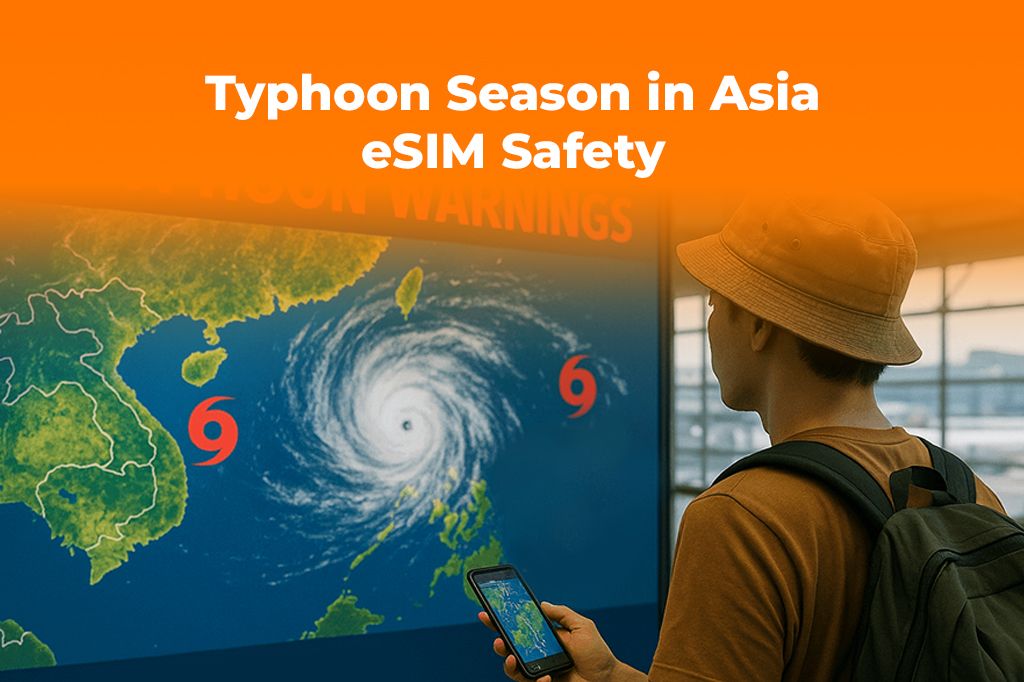
Understanding Typhoon Season and Risk Across Asia
If you care about travel safety Philippines Vietnam, you’re really thinking about how tropical storms form over warm ocean water and then track toward heavily populated coastlines. The same patterns that create perfect island-hopping weather can also spin up serious storms that disrupt flights, ferries, and buses with little notice.
In many parts of East and Southeast Asia, typhoons are most likely during the warmest, most humid months, but exact timing varies by country and region. You might fly into Manila or Da Nang under blue skies and see a typhoon travel warning on your phone just a day or two later. That’s why you want a plan that assumes conditions can change quickly, even during what feels like a routine beach day.
Your best habit is to combine official information with your own tools:
- Follow national agencies and airlines on social media and in their apps.
- Check regional sources like the Japan Meteorological Agency’s typhoon center for western North Pacific storm tracks.
- Look at the Joint Typhoon Warning Center for a second opinion on storm movement.
- Enable southeast asia weather alerts on your phone so you see warnings as notifications instead of needing to refresh a browser tab.
When you build this into your routine, travel safety Philippines Vietnam becomes a daily practice, not a last-minute scramble. You check local advisories with your morning coffee, adjust plans when you see a new system forming, and use each typhoon travel warning as an early cue to move to higher ground, change ferries, or add buffer days.
Remember that storm risk extends beyond landfall. Even if a system misses your city, outer rainbands and waves can still affect island flights, ferry routes, and mountain roads across the region. That’s another moment when good southeast asia weather alerts and a stable data connection give you time to adapt.
Why Connectivity Matters When the Weather Turns
During normal travel, mobile data is a convenience. During typhoon season, it becomes part of your safety plan. A local SIM can help, but having a flexible esim for emergencies gives you extra control when you need it most.
Here’s what a reliable connection lets you do:
- Get government-issued push alerts and updated typhoon travel warning messages in near real time.
- Track live radar and storm paths so you understand risk beyond headlines.
- Message your hosts, airlines, and tour operators when plans change.
- Use maps and rideshare apps to leave low-lying areas early.
- Call or text family to reassure them when news coverage looks dramatic.
Without easy access to data, you might rely on hotel Wi-Fi that cuts out as soon as everyone streams the news at once. With an esim for emergencies already installed, you can stay connected during storm surges in demand, even if your main SIM is overloaded or roaming fails.
A few things to keep in mind about the tech itself:
- eSIM technology is now widely supported on modern phones and is recognized globally as a secure, flexible way to connect, as highlighted in resources such as the GSMA’s overview of eSIM technology.
- Because an eSIM is digital, you can activate or switch plans remotely, which is exactly what you want if you need extra data as a storm approaches.
- Using an esim for emergencies gives you a backup profile you rarely touch until it matters, so your main plan stays focused on everyday streaming and navigation.
When you combine southeast asia weather alerts with a robust mobile plan, you don’t just stay connected during storm days; you also get more freedom in your everyday itinerary because you know you can pivot fast if the forecast changes.
Step-by-Step: Setting Up an eSIM for Emergencies Before You Fly
You don’t want to figure out your connectivity strategy in an evacuation line. Here’s a clear, simple process to prepare your esim for emergencies while you’re still at home.
-
Confirm your phone supports eSIM
- Check your phone’s settings or manufacturer website to confirm that it supports eSIM.
- Make sure it’s unlocked so you can use international data plans.
- If you’re not sure, search your phone model plus “eSIM” and confirm before you buy anything.
-
Choose your coverage area
- List the countries on your route—maybe Thailand, the Philippines, and Vietnam.
- Decide whether you want a regional Asia plan or a global plan that also covers other trips.
- Think about how often you’ll be in storm-prone coastal areas as you weigh options.
-
Pick a plan structure
- Estimate your daily data needs for maps, messaging, and southeast asia weather alerts.
- Choose a plan with enough data to let you stay connected during storm days without constantly topping up.
- Consider having a small, dedicated esim for emergencies that you only turn on when forecasts turn serious.
-
Purchase and install your eSIM
- Buy your plan online; you’ll typically receive a QR code by email.
- On your phone, go to Mobile/Cellular settings and select the option to add an eSIM or mobile plan.
- Scan the QR code and follow the prompts; your esim for emergencies will install in minutes.
- Label it clearly inside your phone settings—for example, “Asia Emergency Data”—so you can switch to it quickly.
-
Test and fine-tune before departure
- Turn on the eSIM while you’re still in your home country if the provider allows it, and confirm it connects.
- Set it as your backup data line, with clear data usage alerts.
- Practice switching between SIM profiles so it feels natural if you need to do it in a stressful moment.
If you already know your route includes major coastal hubs with frequent storms, you can save yourself stress later by activating a regional backup line like a Yoho Mobile South East Asia eSIM plan before you go, so your phone is ready to handle both everyday browsing and sudden weather disruptions without hunting for a local SIM during a downpour.
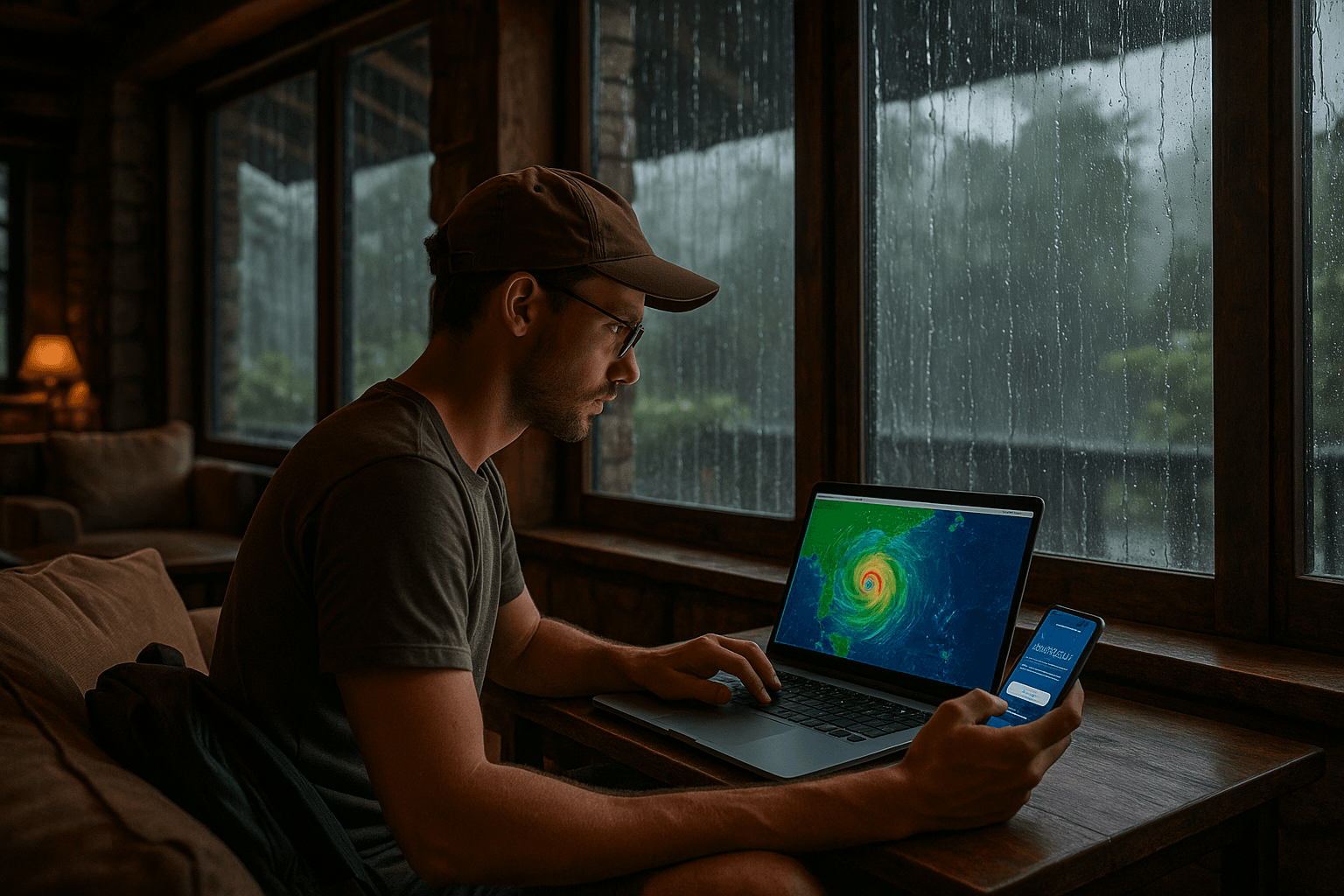
Real Scenarios: Philippines, Vietnam, and Typhoon Kalmaegi
You don’t need to be a meteorologist to understand how storms affect travel safety Philippines Vietnam; you just need a few realistic scenarios and a plan. Past events like typhoon kalmaegi travel disruptions showed how quickly “normal” days can turn into grounded flights, canceled ferries, and packed terminals.
Imagine you’re on an island in the Philippines, planning to fly through Manila before heading to central Vietnam. You wake up to a new typhoon travel warning on your phone. Because you set up weather alerts and your eSIM days earlier, you can:
- Check updated flight statuses while other travelers still assume everything is on schedule.
- Message your guesthouse host to ask about local flood-prone areas.
- Book an earlier ferry or flight out before everyone else decides to change plans.
Now picture yourself in Da Nang with a plan to ride coastal trains north. Overnight, forecasts shift and local news sites mention impacts similar to those seen during typhoon kalmaegi travel reports years ago. With your phone already configured, you:
- Use your maps app and local news to identify higher, safer neighborhoods.
- Switch to your esim for emergencies if your primary SIM loses coverage, so you stay connected during storm updates and evacuation advice.
- Change routes inland, where risk is lower and transport options are more reliable.
A third scenario: you’re in a big city like Ho Chi Minh City or Cebu. A fast-moving system forms offshore, and authorities issue a fresh typhoon travel warning that includes your area. Because you developed a routine of checking southeast asia weather alerts every morning, you see the change early, adjust your sightseeing plans to stay indoors, and contact your next accommodation to ask about flexible check-in if you need to move dates.
Each of these examples could have gone very differently without data. For many travelers who followed news around typhoon kalmaegi travel coverage, the key lesson was simple: when storms form, information moves fast, and you want your phone ready before that happens—especially if you care about travel safety Philippines Vietnam during the wettest months.
Typhoon Travel Safety Checklist for Connected Travelers
Use this checklist as a quick reference whenever you enter a storm-prone area in Asia. It brings together your apps, your habits, and your esim for emergencies into one simple system.
- Check your accommodation’s building quality and location, especially elevation and distance from the shoreline.
- Save emergency numbers and your country’s embassy or consulate details in your contacts.
- Enable southeast asia weather alerts and notifications from your preferred weather apps.
- Verify that your backup eSIM is installed, labeled clearly, and topped up with enough data to stay connected during storm days.
- Download offline maps for the city and surrounding region in case coverage weakens.
- Keep a small “storm kit” ready: battery pack, charging cables, a printed copy of key documents, and some cash.
- Decide in advance what you’ll do when you see a typhoon travel warning—where you’ll go, what you’ll pack, and whom you’ll message.
When you combine this list with a flexible esim for emergencies and a habit of checking the forecast daily, you turn storm season from a source of anxiety into something you can manage with calm, informed choices.
FAQs: Typhoons, Alerts, and eSIMs in Asia
Do I need to avoid Asia completely during typhoon season?
Not necessarily. Many travelers enjoy incredible trips during these months by choosing inland destinations, adding buffer days, and staying flexible with routes. If you pay attention to official advisories, use reliable apps, and keep a ready eSIM so you can stay connected during storm announcements, you can usually adapt without canceling your entire journey.
How often should I check the forecast when I’m in the Philippines or Vietnam?
If you’re serious about travel safety Philippines Vietnam, make it a daily habit—especially when you’re near the coast or planning ferries and domestic flights. Check official sources in the morning and evening, and keep an eye on any new typhoon travel warning that appears in your apps or messages.
What apps or sites should I follow for typhoon updates?
Combine global weather apps with official regional sources. Many travelers monitor national meteorological agencies, airline apps, and international centers such as the Japan Meteorological Agency and the Joint Typhoon Warning Center for broad overviews of storm tracks. Pair those with your southeast asia weather alerts so important warnings show up as notifications.
What happens if mobile networks go down during a major storm?
Infrastructure can suffer during very strong systems, and no setup is perfect. Your goal is to maximize your chances: install both a local SIM and an esim for emergencies from a different provider, keep devices charged, and move to areas with historically stronger infrastructure when forecasts look serious. Having a backup profile increases the likelihood that at least one network stays live long enough to help you leave or call for assistance.
Is an eSIM only useful during storms?
No. Once storm season passes, the same plan that helped you stay connected during storm days continues to support your everyday travel: navigation, translation, food delivery, and content creation. Typhoon kalmaegi travel stories may have highlighted the worst-case scenarios, but in practice your eSIM becomes part of your routine across Asia all year long.
Conclusion: Travel Smarter Through Storm Season
Typhoon season in Asia doesn’t have to scare you away; it just asks you to travel with better information, clearer habits, and a mobile setup designed for sudden change. If you’re ready to build that safety net before your next monsoon trip, activate a flexible plan such as the Yoho Mobile global eSIM for world travel so your phone is already online and ready before the first storm bulletin appears on your screen.